 ScanFacile
Smart scan
Edges are detected and the page is straightened automatically. Add as many pages as you need.
ScanFacile turns your phone into a scanner. Cropping is automatic, text is recognised on the device, and you share a clean PDF in one tap.
Free. No account required.
Features
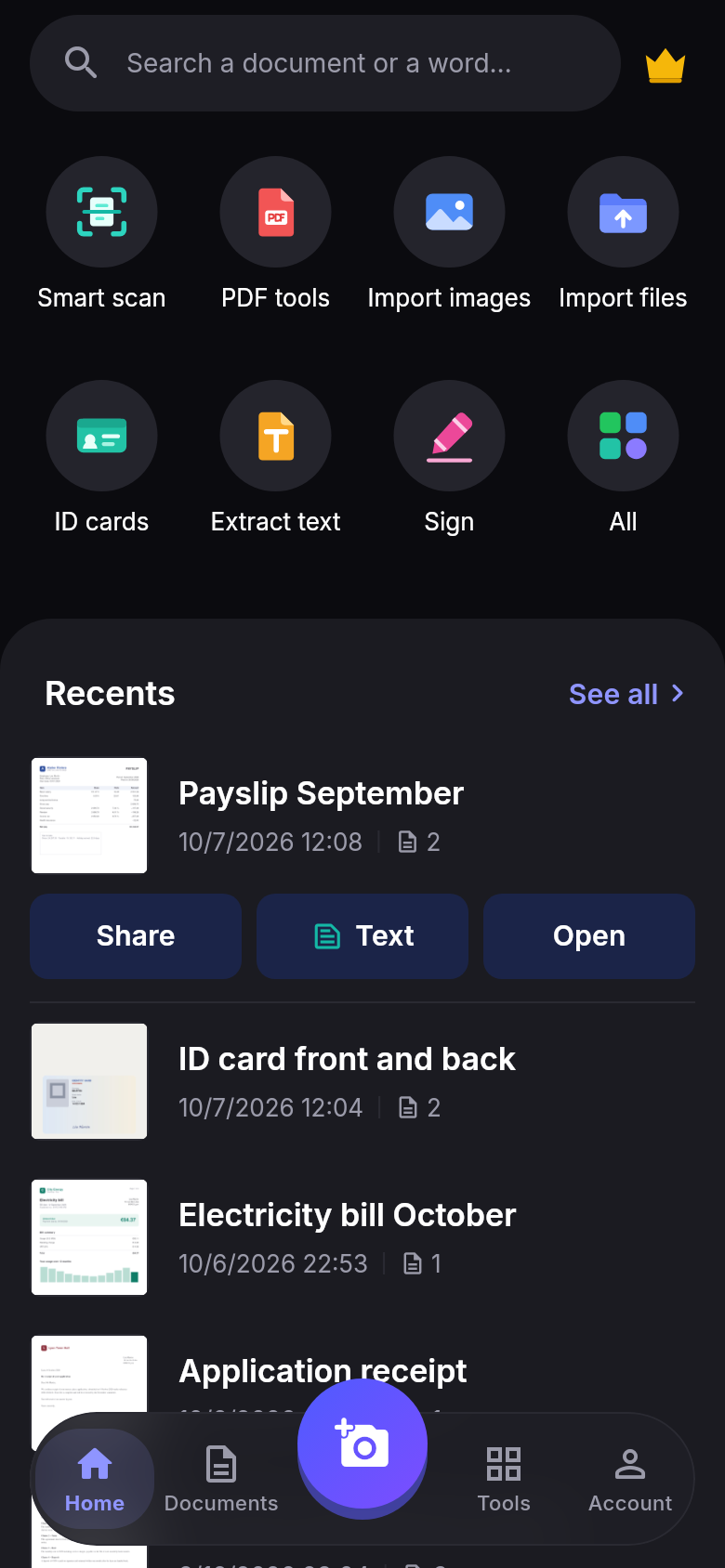
Invoices, contracts, ID cards, lecture notes: from photo to a PDF ready to send.
Edges are detected and the page is straightened automatically. Add as many pages as you need.
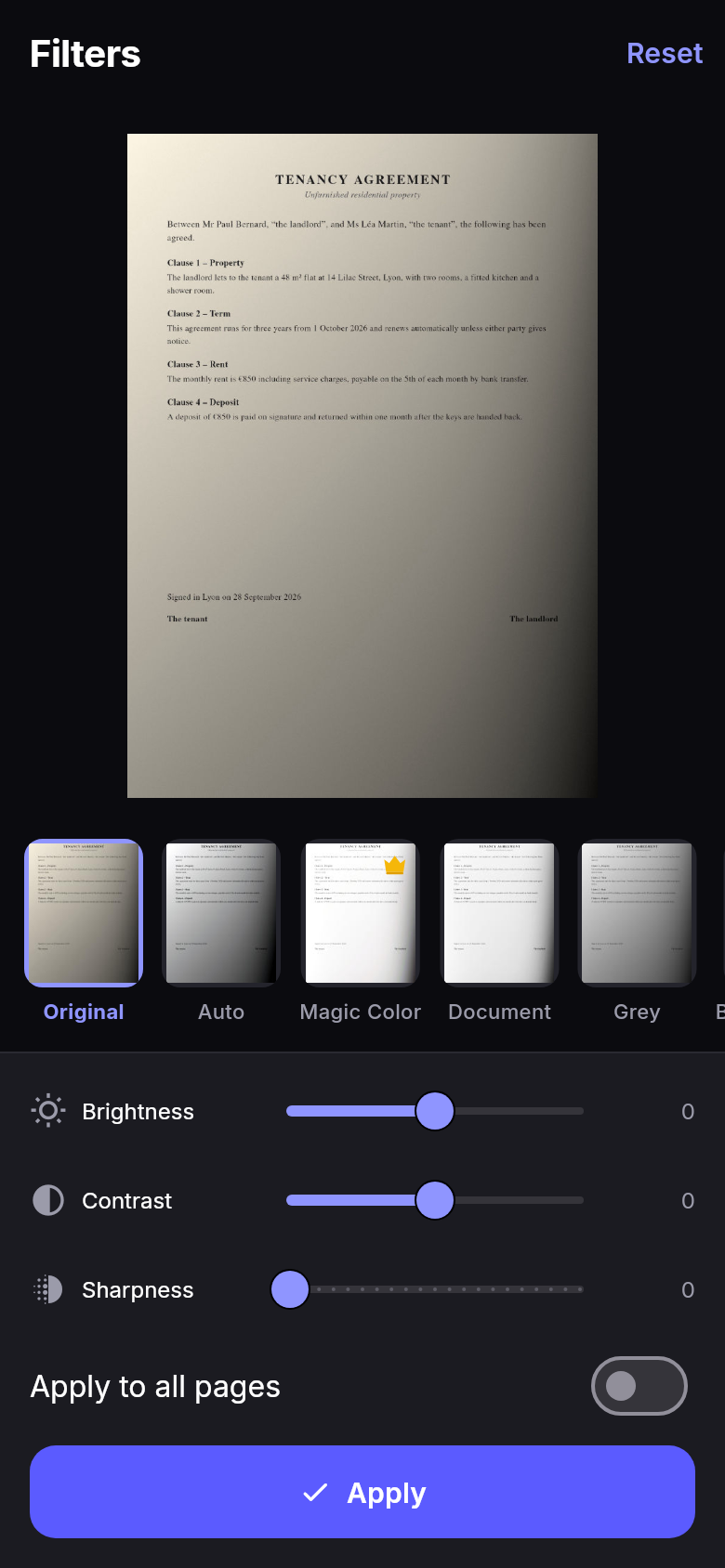
Auto, Document, Grey, Black & white or Magic Color, with adjustable brightness, contrast and sharpness.
Export to A4 or the page’s own size, merge, split and reorder pages. Password and compression with Premium.
Text is recognised on the phone: English, French, Spanish, German, Italian, Arabic and Bengali.
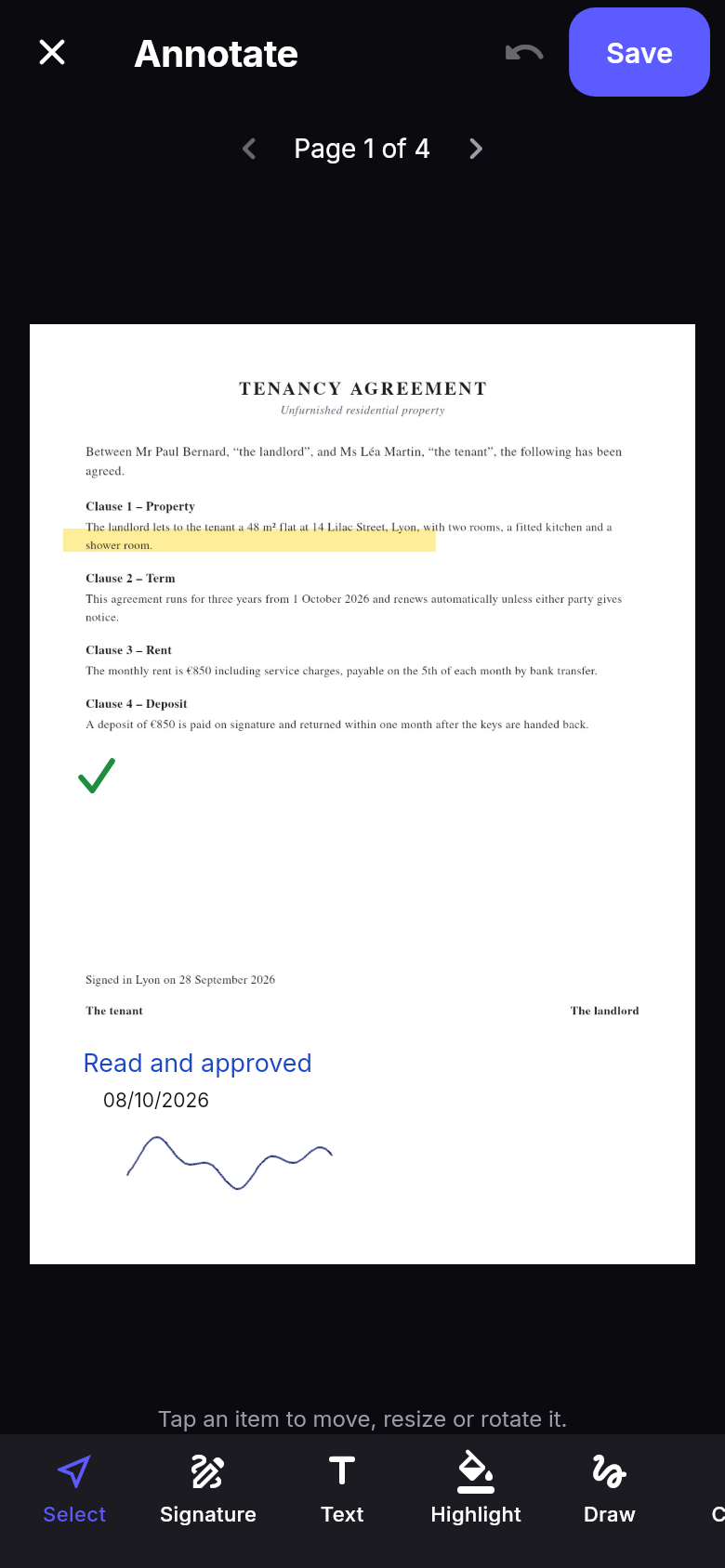
Signature, text, date, tick, highlight and free drawing, placed wherever you want on the page.
Folders, favourites and search inside the text of your pages. The bin keeps documents for 30 days.
Signatures
Draw your signature once, then place it on any page. Add a note and the date, tick the boxes, send.
Quality
Filters fix lighting and shadows for a document that reads well on screen and on paper. The original is always kept.
Privacy
A bank statement or an ID card has no business sitting with a third party. ScanFacile is built to keep your documents with you.
Scans are saved on the device. Without an account, no document ever leaves your phone.
Text recognition works without a connection. The content of your pages is not sent anywhere to be read.
No image, PDF or text from your documents is ever passed to ad networks.
FAQ
Yes. Scanning, creating PDFs, recognising text and signing are free, with no page limit. Premium removes ads and adds a few advanced tools and more cloud space.
No. The app works fully without an account. An account is only used for cloud backup and to get Premium on another device.
On your phone. If you turn on cloud backup, a copy is kept in a private space linked to your account, which only you can access.
Yes. English, French, Spanish, German and Italian work right away. Arabic and Bengali need a one-time download, then work offline.
English and French. The app follows your phone’s language, and you can change it in Account → Settings → Language.
From your Google Play or App Store subscriptions, at any time, at least 24 hours before the end of the current period.
In the app: Account, your profile, then “Delete my account”. Full details are on the Delete my account page.
Contact
A problem, an idea or a question about your subscription: we answer every message.